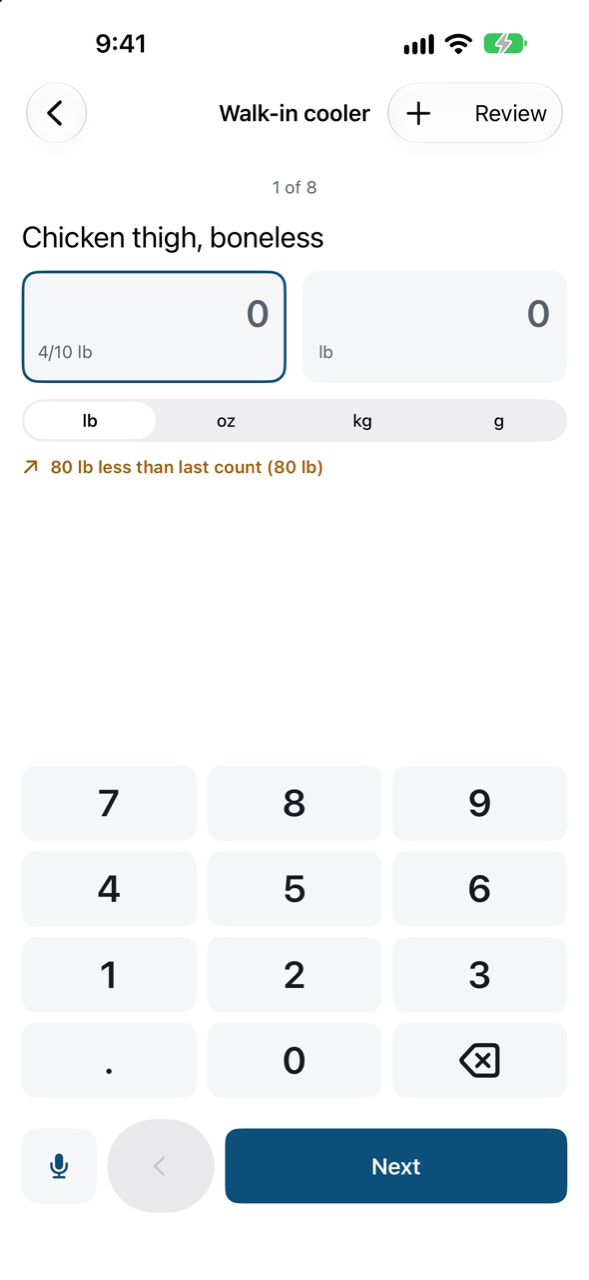
Counting by voice
Hold the microphone button and say what you see.
In a storage area, hold the microphone button and say counts like “two cases of tomatoes, three bags of onions”. Let go when you’re done.
Each count appears as a card for you to confirm. Nothing is written until you confirm it. A card says when it isn’t sure, for example when an item isn’t in this area or two items sound alike; pick the right one or drop the card.
The first time, your phone asks for the microphone and speech recognition. If you said no, allow them in Settings ▸ Brigado.
With AI reading allowed (and a Kitchen plan), voice goes to the cloud for better accuracy; otherwise it’s recognised on your device. See AI reading and your privacy.