Import an Excel or CSV price list
Bring in your supplier's items and prices in a few taps.
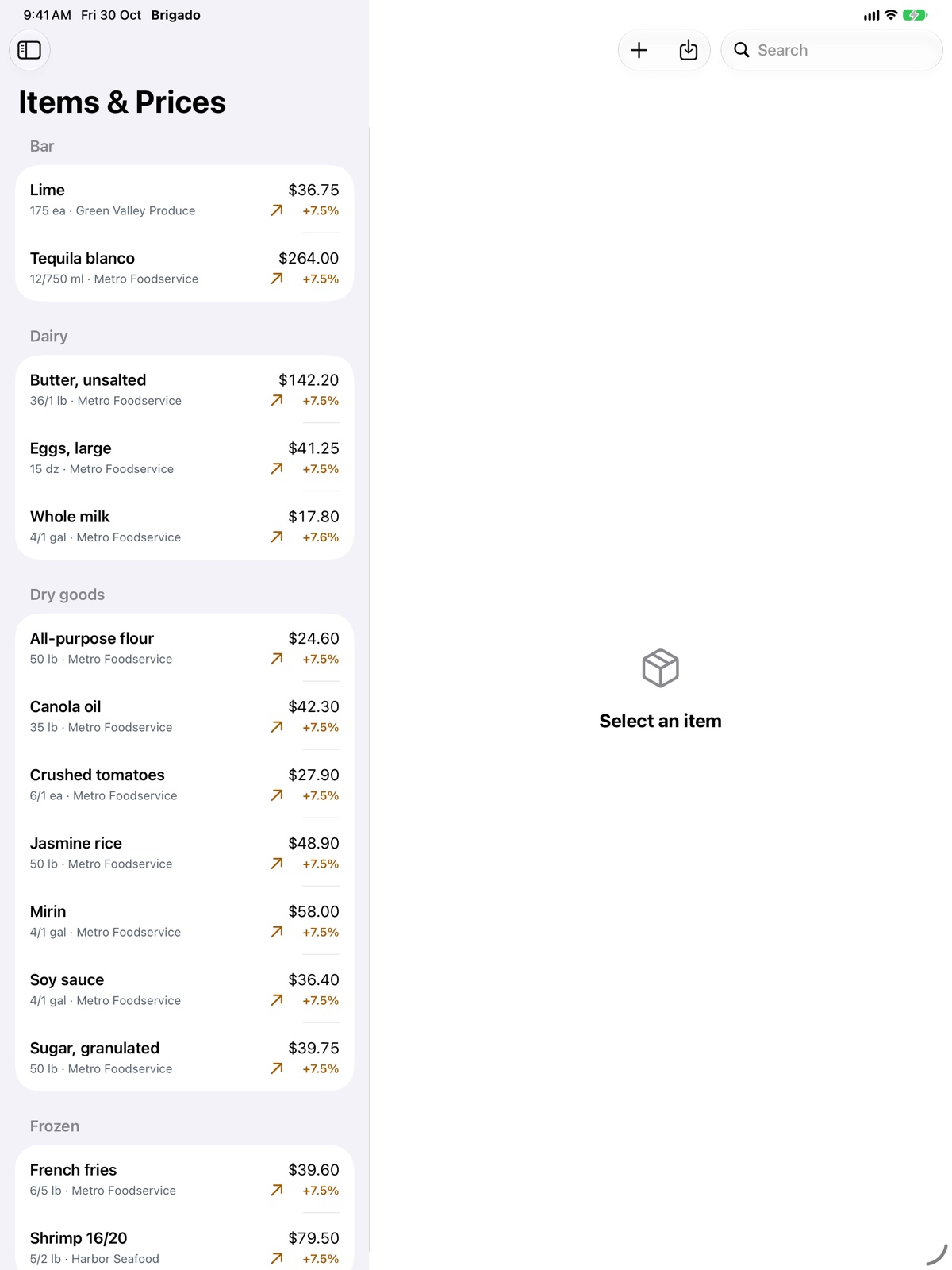
Open Items & Prices and tap Import price list (on Mac: File ▸ Import Price List…, ⇧⌘I).
- Choose the file: Excel (.xlsx) or CSV, from your supplier or your own spreadsheet. The first sheet is read.
- Pick the supplier and check which column is the name, the pack and the price. Brigado recognises common headers in six languages, and remembers the columns for that supplier next time.
- Review: new items, price changes and skipped rows are shown before anything is saved.
- Tap Import.
Older .xls files and Numbers files can’t be read directly: save them as .xlsx or CSV first. CSV files saved by Excel on Windows in any of the six launch languages are read correctly.
Want to try first? Try a sample price list loads a small example.