Your first count
Count a storage area, review what changed, and submit.
- Open Count and tap a storage area.
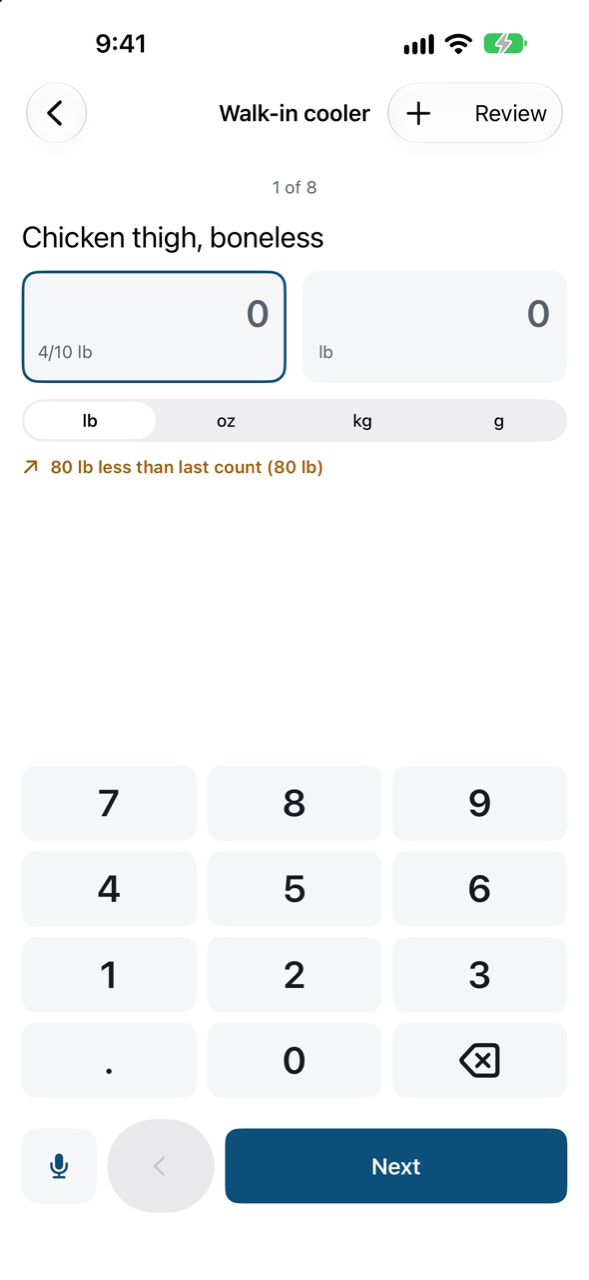
- For each item, type how many packs and any loose amount: “3 cases and 2.5 kg” is one entry. Every number is saved as you type, even offline or if the app closes.
- Move on with Next. On iPad and Mac the whole shelf list sits beside the keypad; pick any item from it.
- Tap Review to see what’s more or less than last time. Unusual changes are flagged so you can recount them.
- Tap Submit count.
Several people can count different areas at the same time; their counts are combined.